Add Permissions for Google Integration User
You need to create a new role in Google Admin Console, and give it certain permissions to manage the Jive for Google Docs integration.
To assign the appropriate permissions:
-
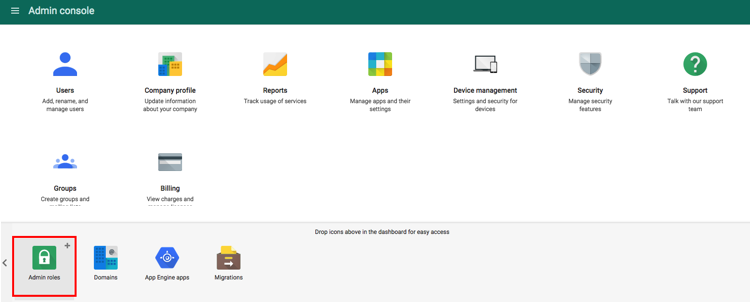
Go to as shown in the following image.
-
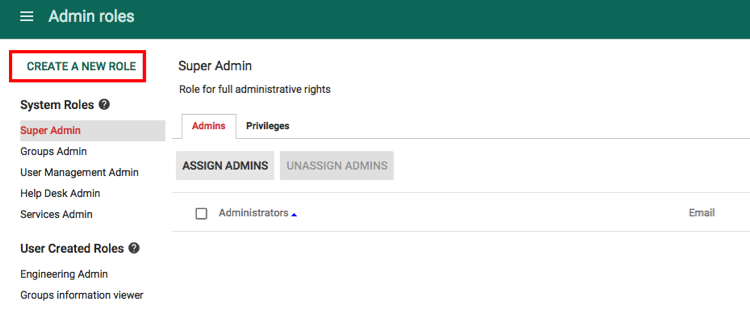
When the Admin Roles dialog opens, click CREATE A NEW
ROLE as shown in the following image.
- In the Create New Role dialog, give your new role a name, for example, Jive Integration User.
- Click Create.
-
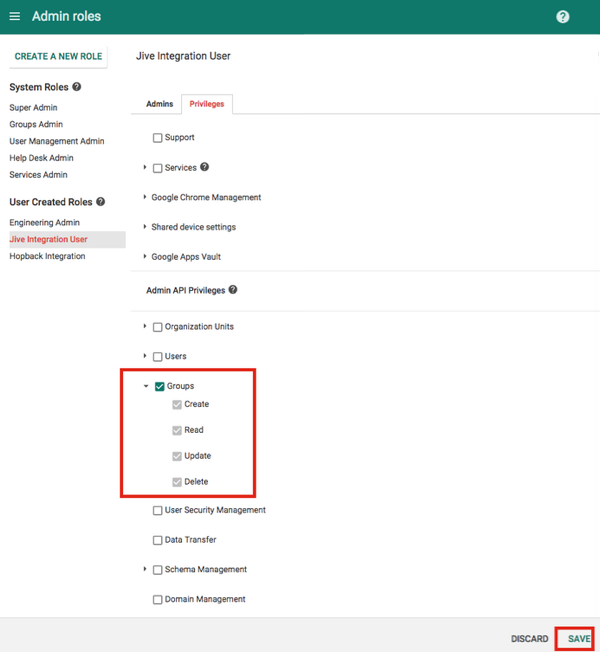
Click Privileges and select (all permissions) as shown in the following image.
- Click SAVE.
-
Now you need to assign the newly created role to the integration user. To do
this, go to as shown in the following image.
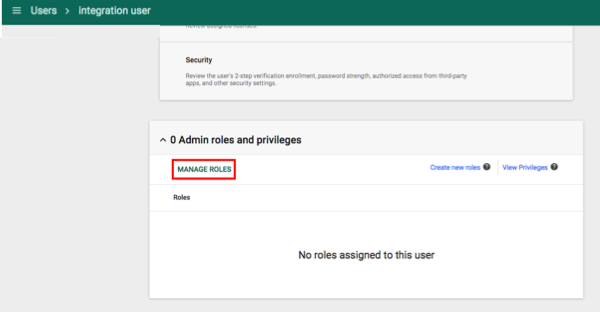
-
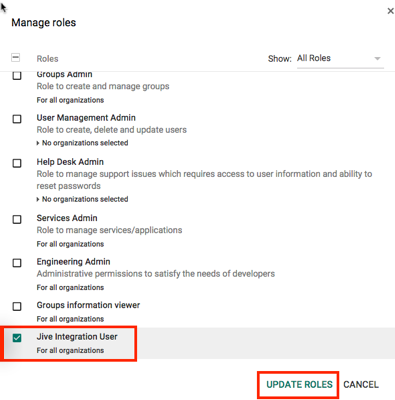
When the Manage Roles dialog opens, select as shown in the following image.